Install Guide
To use the APIVoid app, you must first install the app and obtain an API key from the APIVoid service. This key must then be configured in the Logpresso platform.
Access the Website
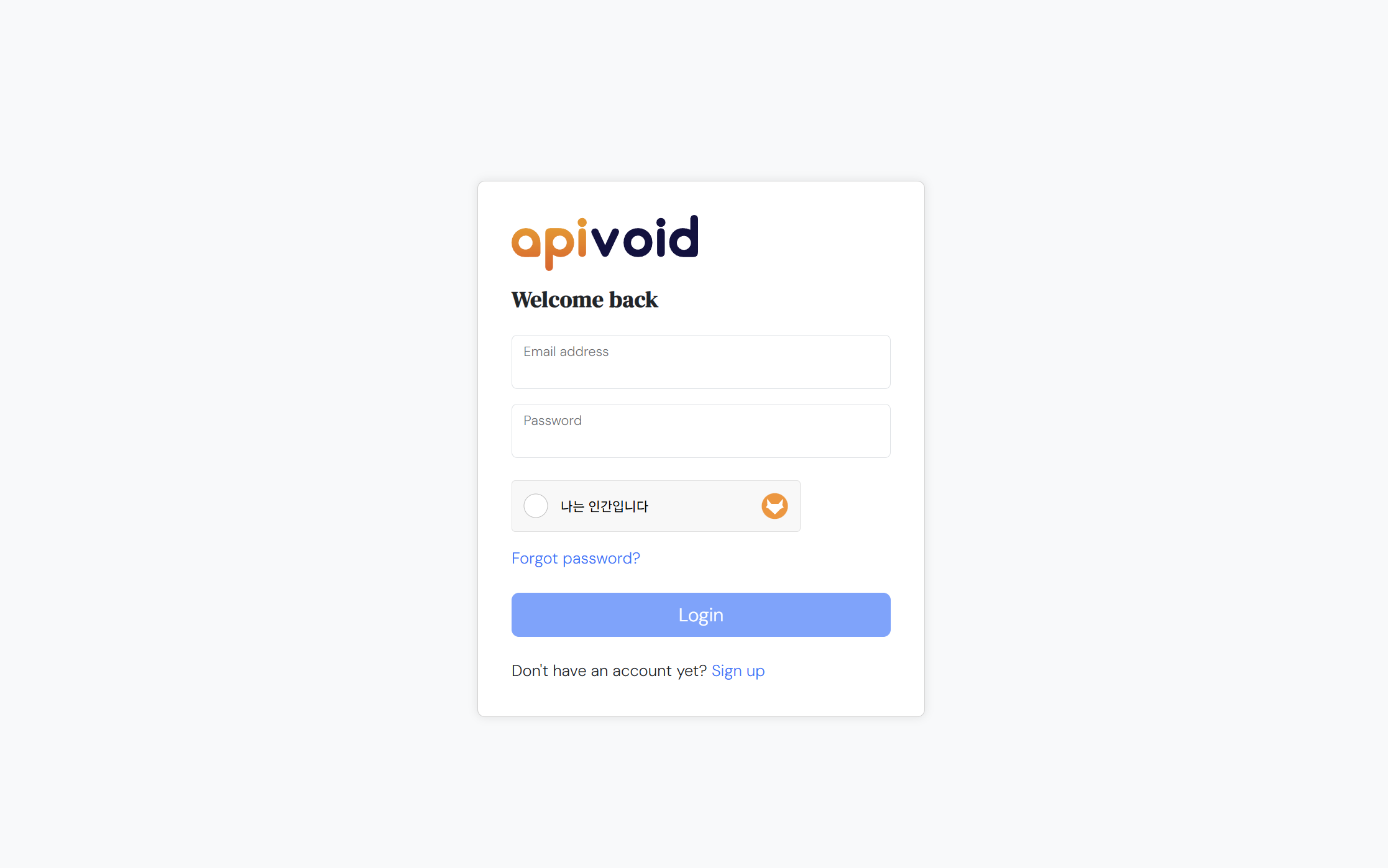
Go to https://dash.apivoid.com/login/. If you don’t have an account, sign up for one.
Generate an API Key
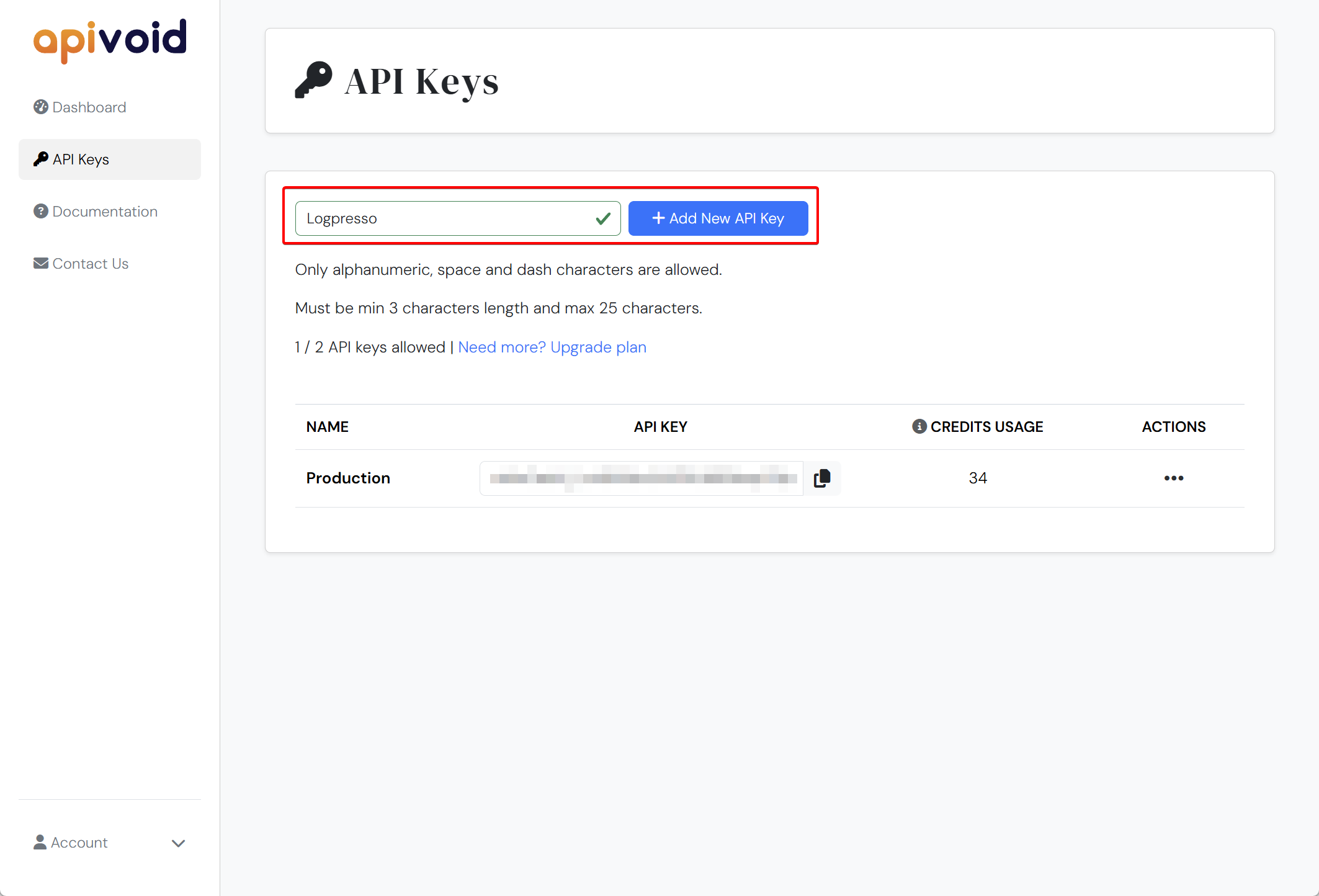
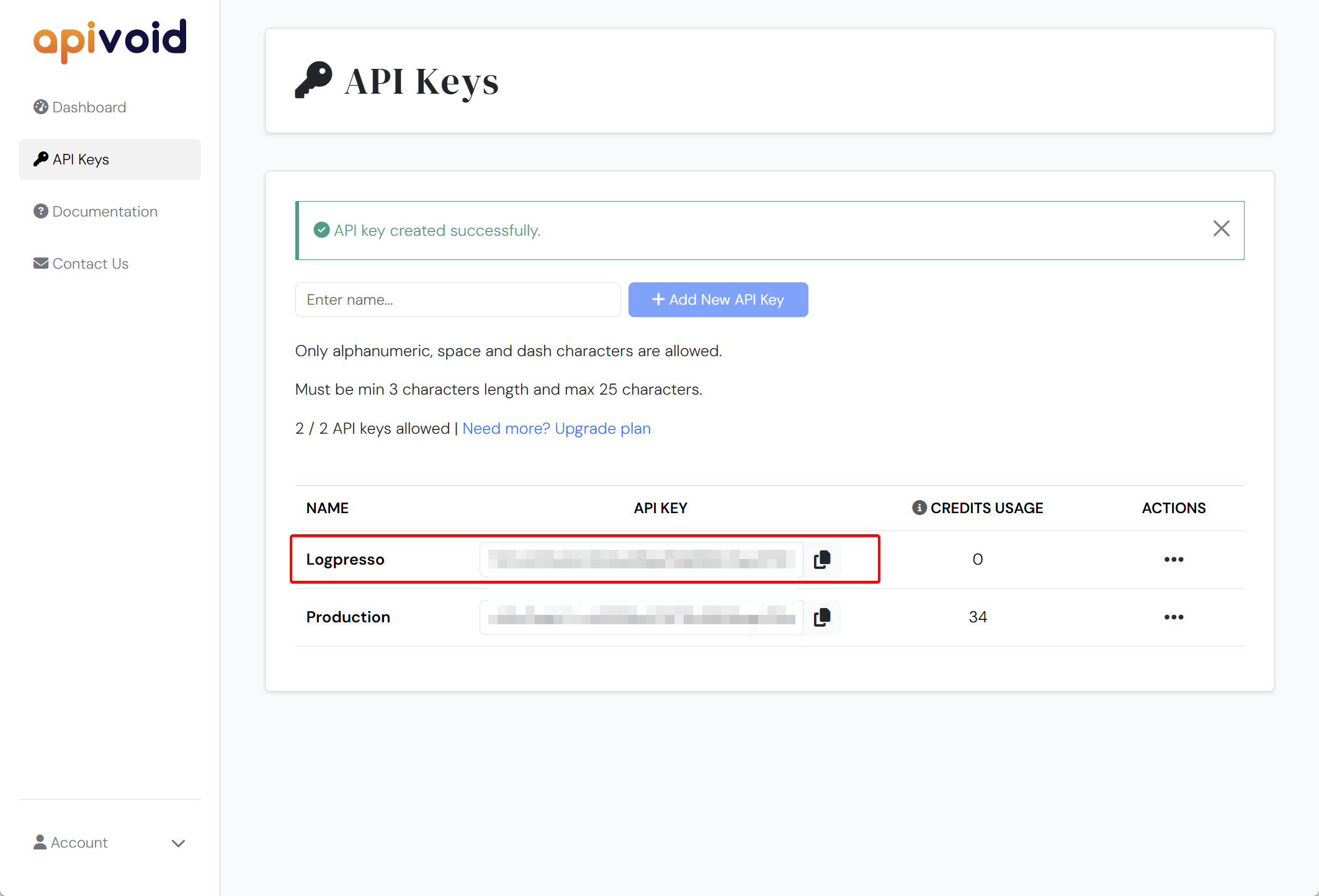
If you already have an API key, simply copy it. If not, enter a name to identify the key and click Add New API Key to generate one.
Configure the Connectn Profile
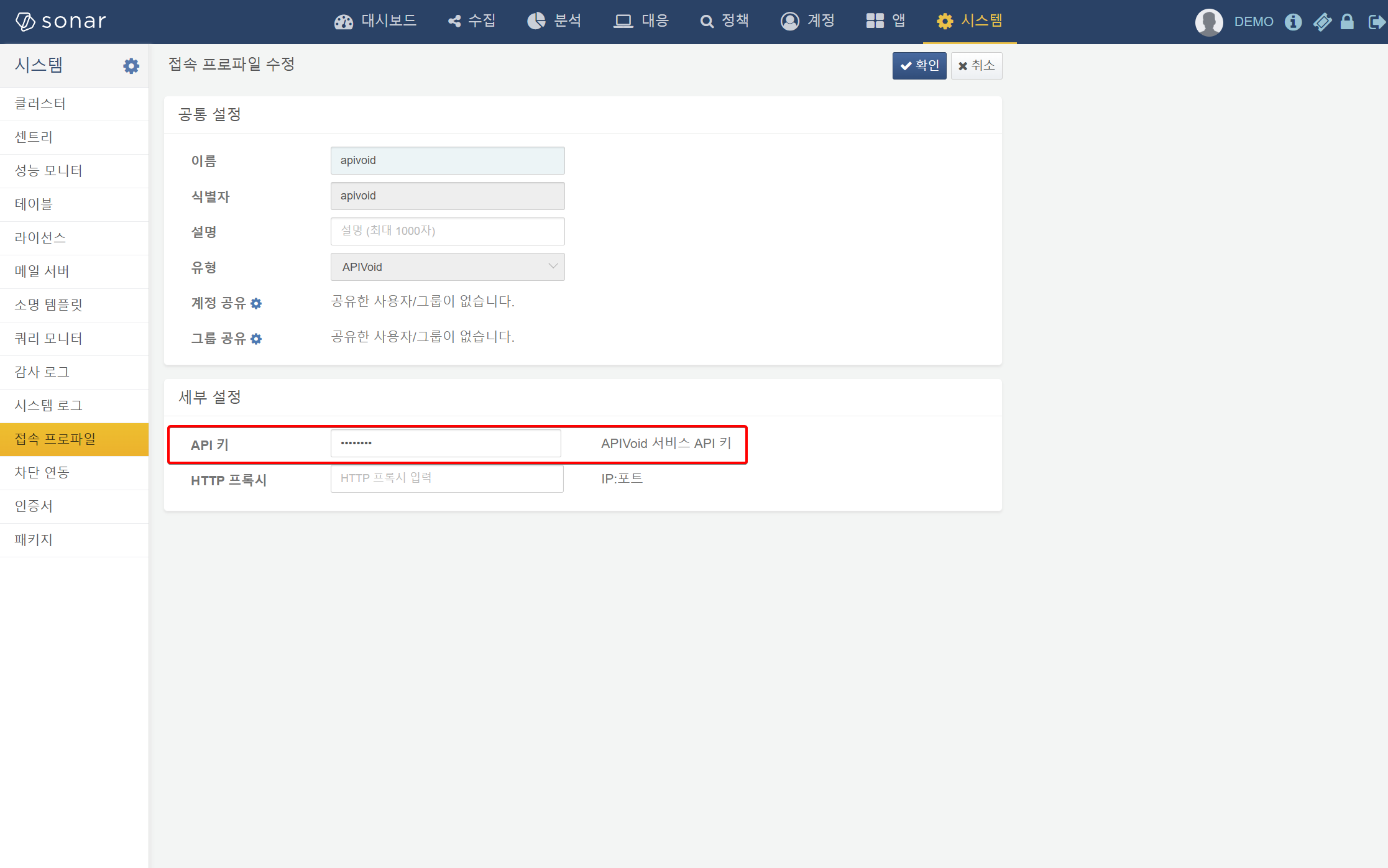
Create a new connection profile from the connection profile menu. Select APIVoid as the profile type and set the profile name or identifier to apivoid. Paste the API key you copied earlier into the key field.
Verify with a Query Command
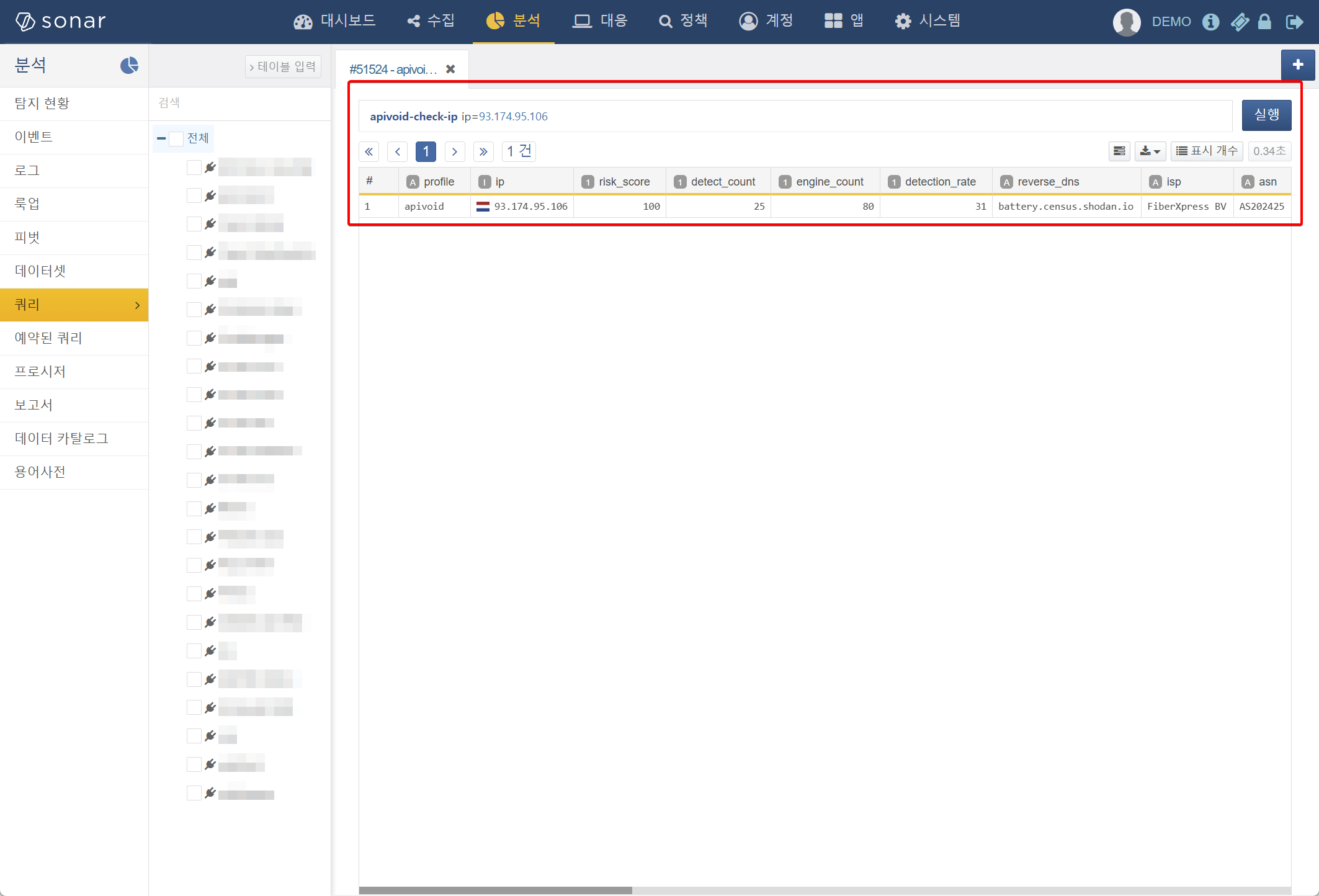
Run a query command such as apivoid-check-ip to verify that the API key has been properly applied to the connect profile.